Search and replay interactions for Cisco Webex Meetings
After customer interactions are captured and ingested by the Recorder, you can use the Verint applications, Risk Management and Interactions, to search for specific interactions, and review or analyze the captured content.
Before you begin
To use Risk Management or Interactions, it must be installed and configured as part of your WFO solution. If they are missing, contact your system administrator.
Procedure
-
Click either Interactions > Search or Risk Management > Analyze > Search.
-
Enter your search criteria and click the magnifying glass.
The Search Results pane lists all related interactions.
-
To view the interaction, under Search Results, double-click any entry.
The corresponding file opens in the Interaction Review pane.
Search and replay interactions for Cisco Webex Meetings
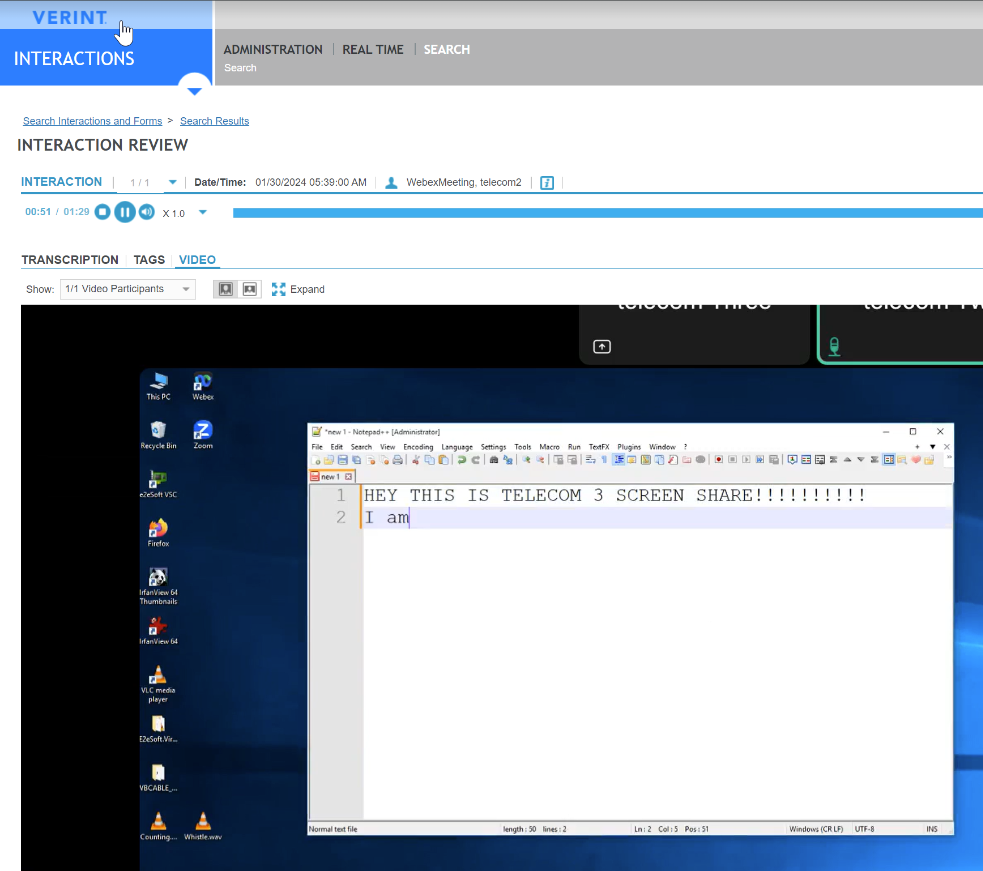
Since the screen-sharing media is a component of the video, it is not captured separately. By default, it is recorded in a video.
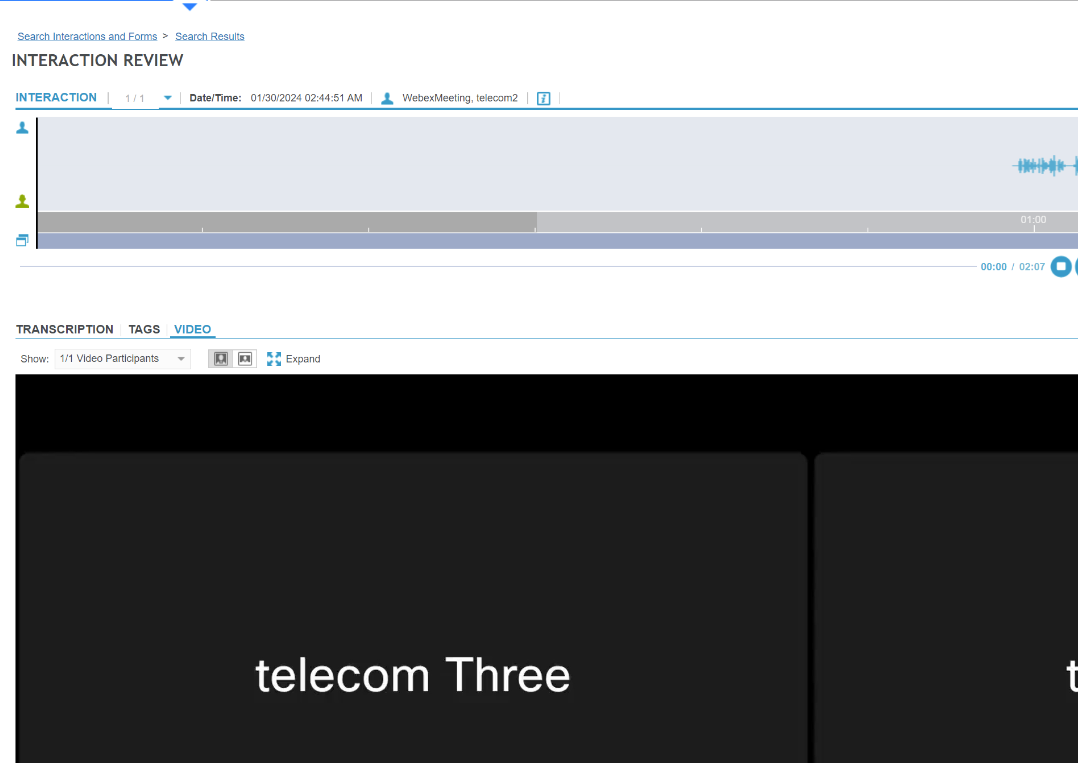
There can be a video that is longer than the audio, and so there are long periods at the start or at the end where there is video but no audio.
Interaction review for Cisco Webex Meetings
Risk Management Administration and User Guide