Manage Coaching from KPI View
Use the Coaching  control in KPI View to add or view coaching sessions for employees. When the KPI has one or more associated coaching sessions, a number (1+) is displayed on the control. If you have the necessary privileges, the drop-down list provided with the icon allows you to View Coaching or Add Coaching.
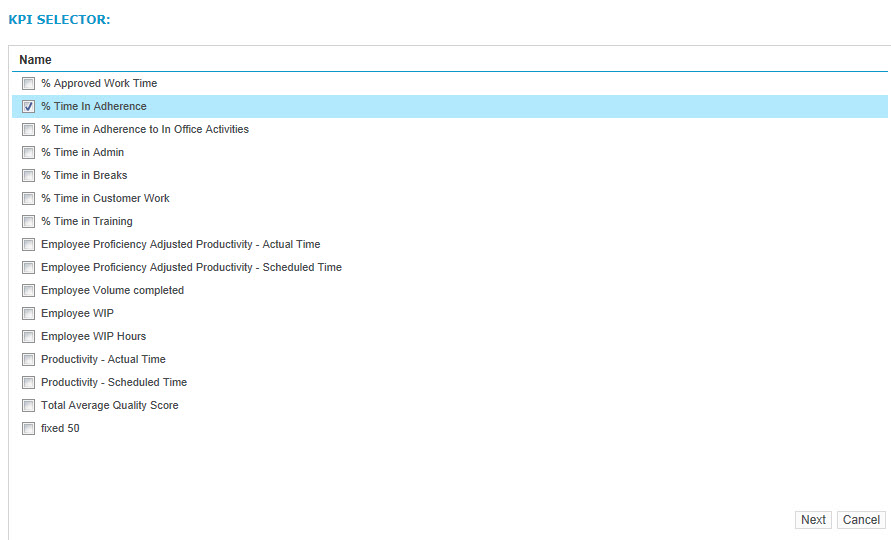
If you click the Coaching control without selecting an option in the associated drop-down list and there are no existing Coaching Sessions to view, the KPI Selector pop-up window appears. When you select one or more KPIs and click Next, the Manage Coaching Session pop-up window appears.
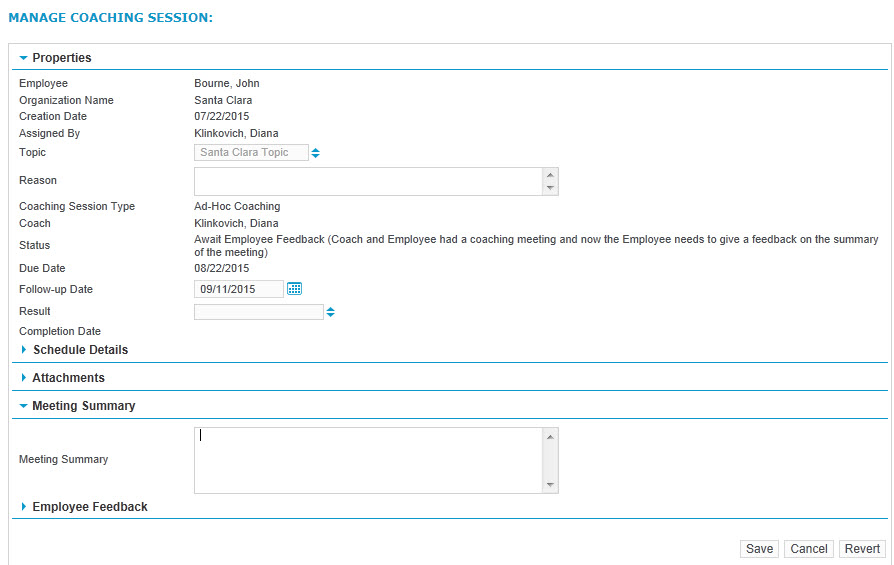
If you click the Coaching control without selecting an option in the associated drop-down list and there is only one existing Coaching Session to view, the Manage Coaching Session pop-up window appears.
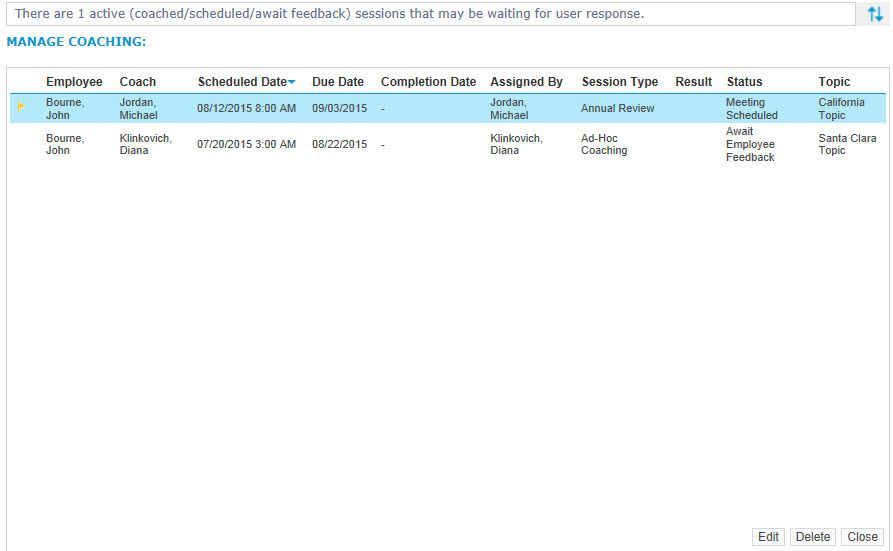
If you click the Coaching control without selecting an option in the associated drop-down list and there is more than one existing Coaching Session to view, the Manage Coaching pop-up window appears. Select an existing Coaching Session and click Edit to view the Manage Coaching Session pop-up window.
If you select the View Coaching option in the drop-down list associated with the Coaching control and there is one existing Coaching Session to view, the Manage Coaching Session pop-up window appears.
If you select the View Coaching option in the drop-down list associated with the Coaching control and there is more than one existing Coaching Session to view, the Manage Coaching pop-up window appears. Select an existing Coaching Session and click Edit to view the Manage Coaching Session pop-up window.
If you select the Add Coaching option in the drop-down list associated with the Coaching control, the KPI Selector pop-up window appears. When you select one or more KPIs and click Next, the Manage Coaching Sessions pop-up window appears.
Click the help button on the Coaching-related pop-up windows or see the Coaching User Guide for additional information about this feature.