Search and replay interactions
You can find details about a conversation, review the messages, and analyze conversations using Risk Management and Interactions.
Before you begin
-
To use Risk Management or Interactions, it must be installed and configured as part of your WFO installation. Contact your service provider for help.
Procedure
-
Click either Interactions > Search or Risk Management > Analyze > Search.
-
Enter your search criteria and click the magnifying glass.
The Search Results pane lists all related interactions.
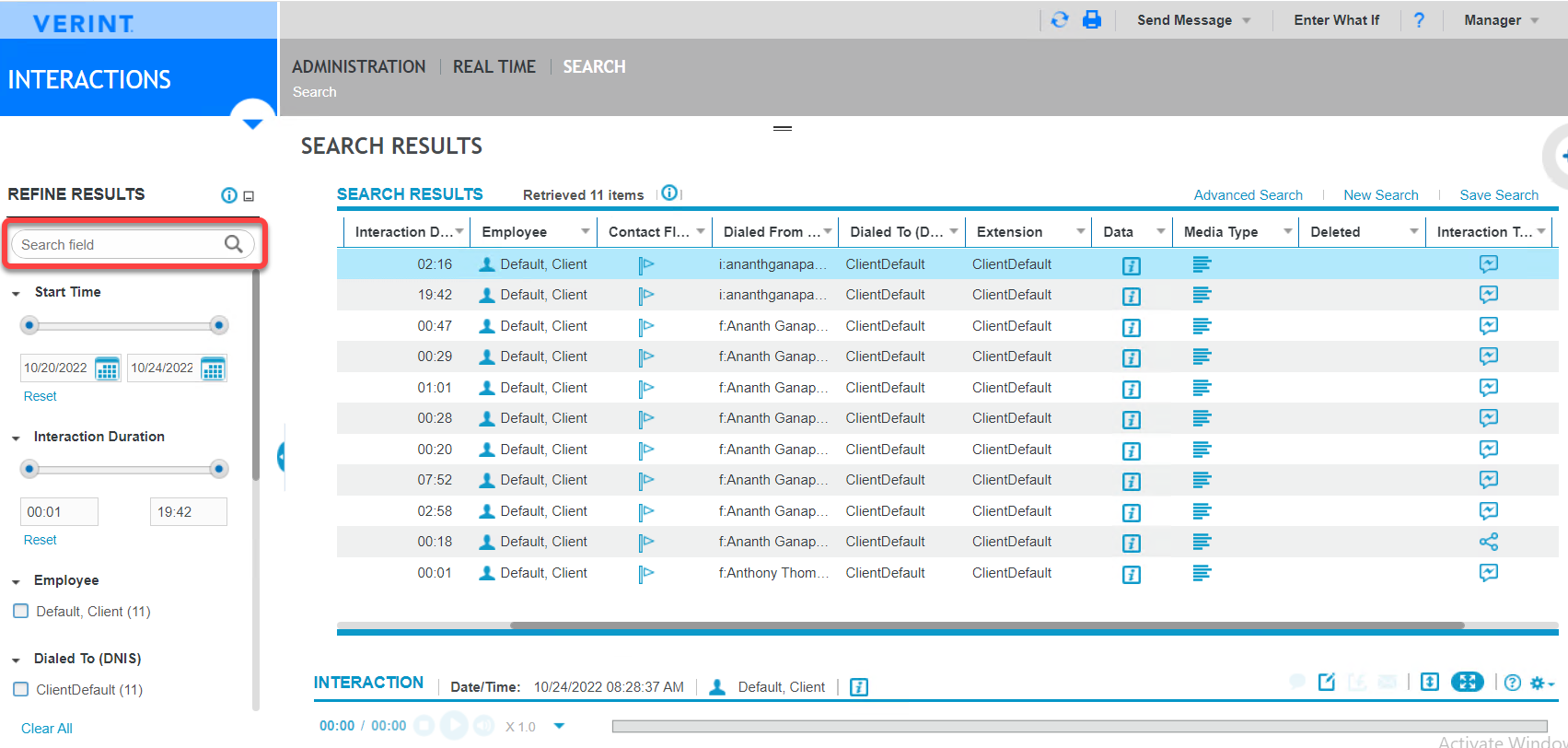
The following table lists the types of interactions captured from Verint Messaging.
Icon
Interaction type
Description

Social Media
A public message from a Social Media platform, such as a Facebook or Instagram post.

Instant Message
A private message from an instant messaging platform, such as Facebook Messenger, Instagram Direct Messaging, and WhatsApp.
-
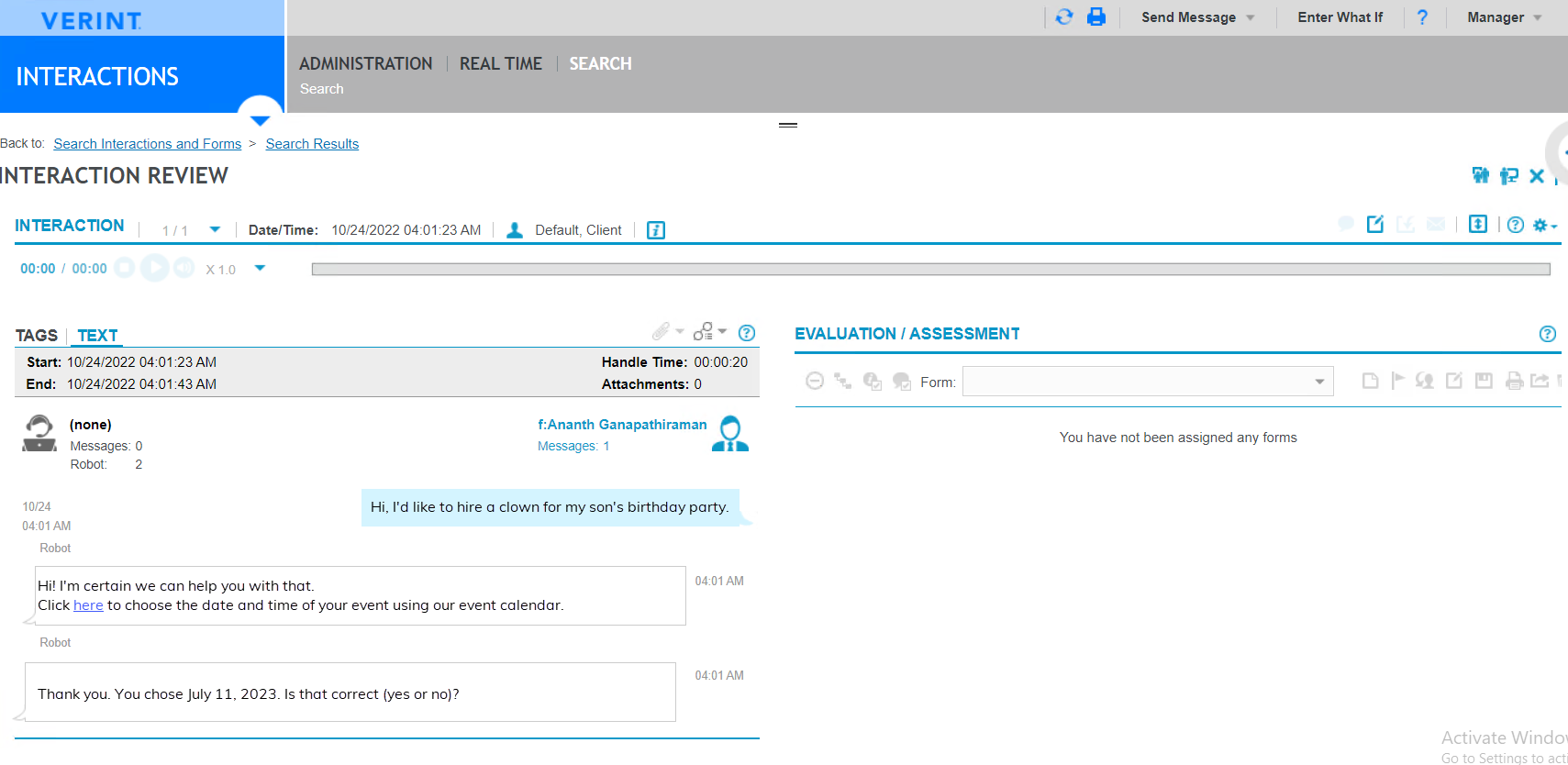
To view the interaction, under Search Results, double-click any entry.
The corresponding file opens in the Interaction Review pane.
Workflow: Configure EDM Capture for Verint Messaging
Risk Management Administration and User Guide