View personal schedule in textual format (WCAG)
You can view your personal schedule information in textual format, which is most suited for printing your upcoming work schedule.
While viewing your schedule in textual view, you can create a shift swap board posting or create a new shift swap request.
Procedure
-
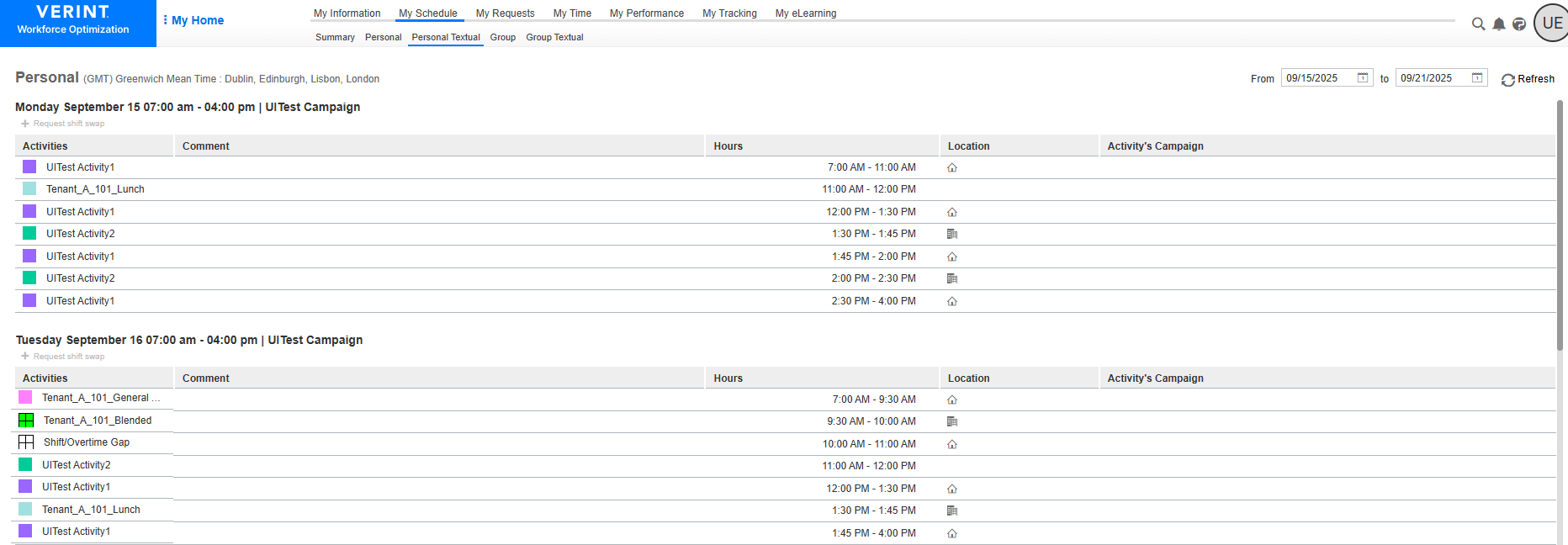
Go to My Home. Under My Schedule, select Personal Textual.
The details of each shift within the selected date range are displayed in a separate table.
-
To select a different schedule period, enter a different date range. If needed, select Refresh.

-
To request a shift swap for an upcoming shift:
-
Underneath the shift details (date, time, and shift activity name), select +Request shift swap.
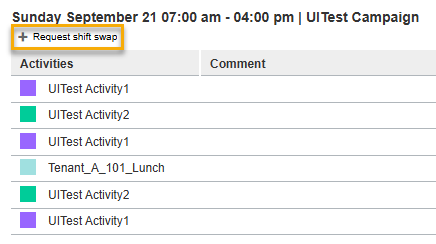
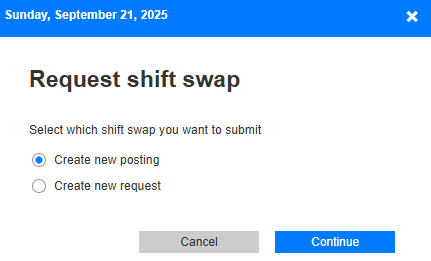
The system displays the Request shift swap screen.
-
Select one of the following:
-
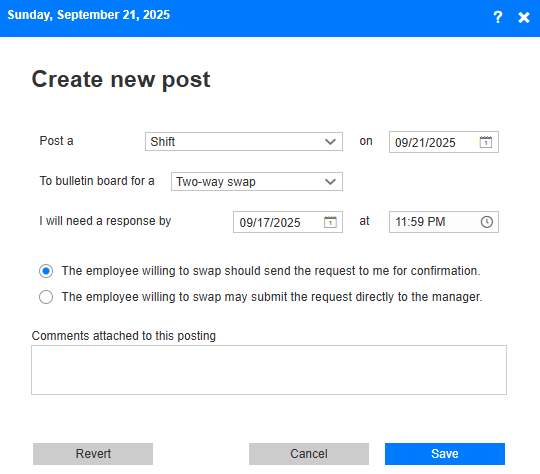
To create a new post on the swap board, select Create new posting, and complete the Create new post form.
-
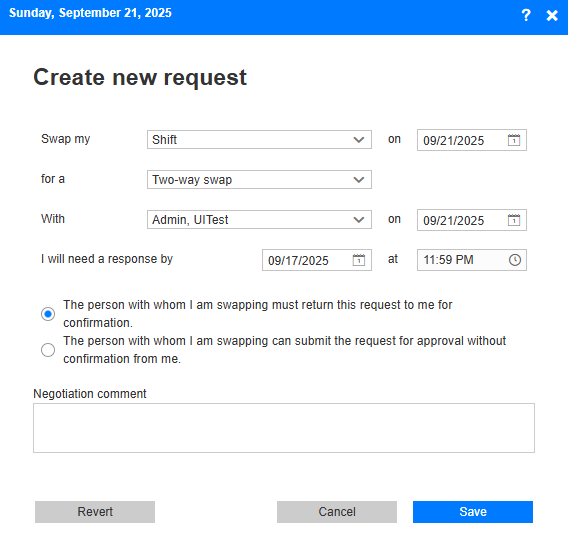
To submit a new shift swap request, select Create new request, and complete the Create new request form for a shift swap.
-
-