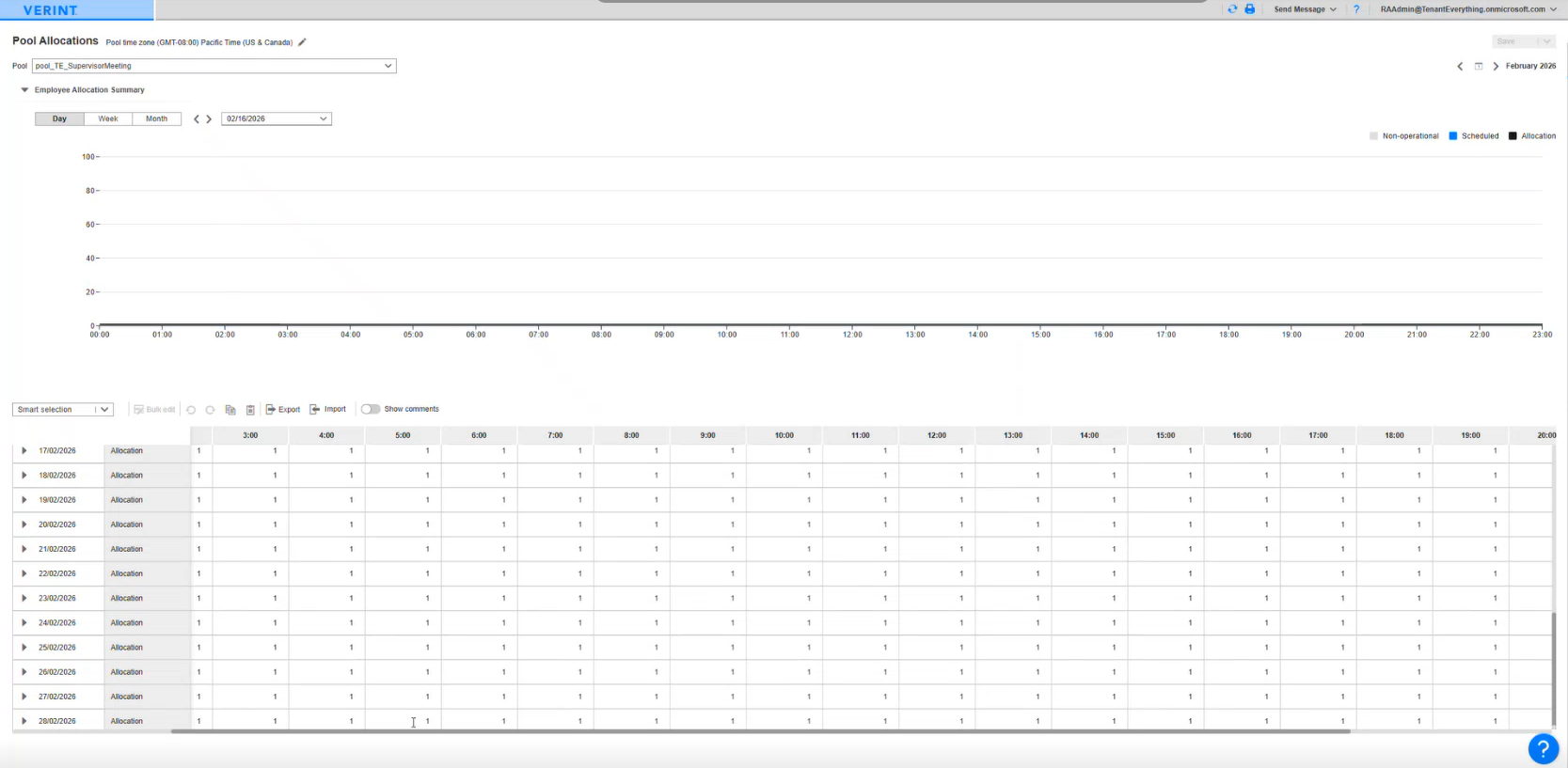
View single pool
In this page, when you select a pool and the month, the table shows the allocations for each day in the month as rows and each interval in the day as columns.
On expanding a row, they can see the Available allocation, Scheduled Events, Shift assignments, Pending requests, and the shift published status for each intervals in the day for which the row was expanded.
The graph view helps to visually see the data in the table. You can switch between day view, week view, and month view. Day view is shown by default.
Procedure
-
Go to Request Management. From Request Anything, select Pool Allocations.
-
Select the required pool by enabling the checkbox.