Add agents
In Verint User Management, create an employee for each person (agent) that you want to capture. Then, associate the employee to the capture profile.
The Service Provider is responsible for this task.
Before you begin
-
Create the data source.
-
Get a list of agents and the user name they use to sign in to the Zoom Contact Center cloud platform, usually their email address.
Procedure
-
Go to User Management. Under Employees, select Profiles.
-
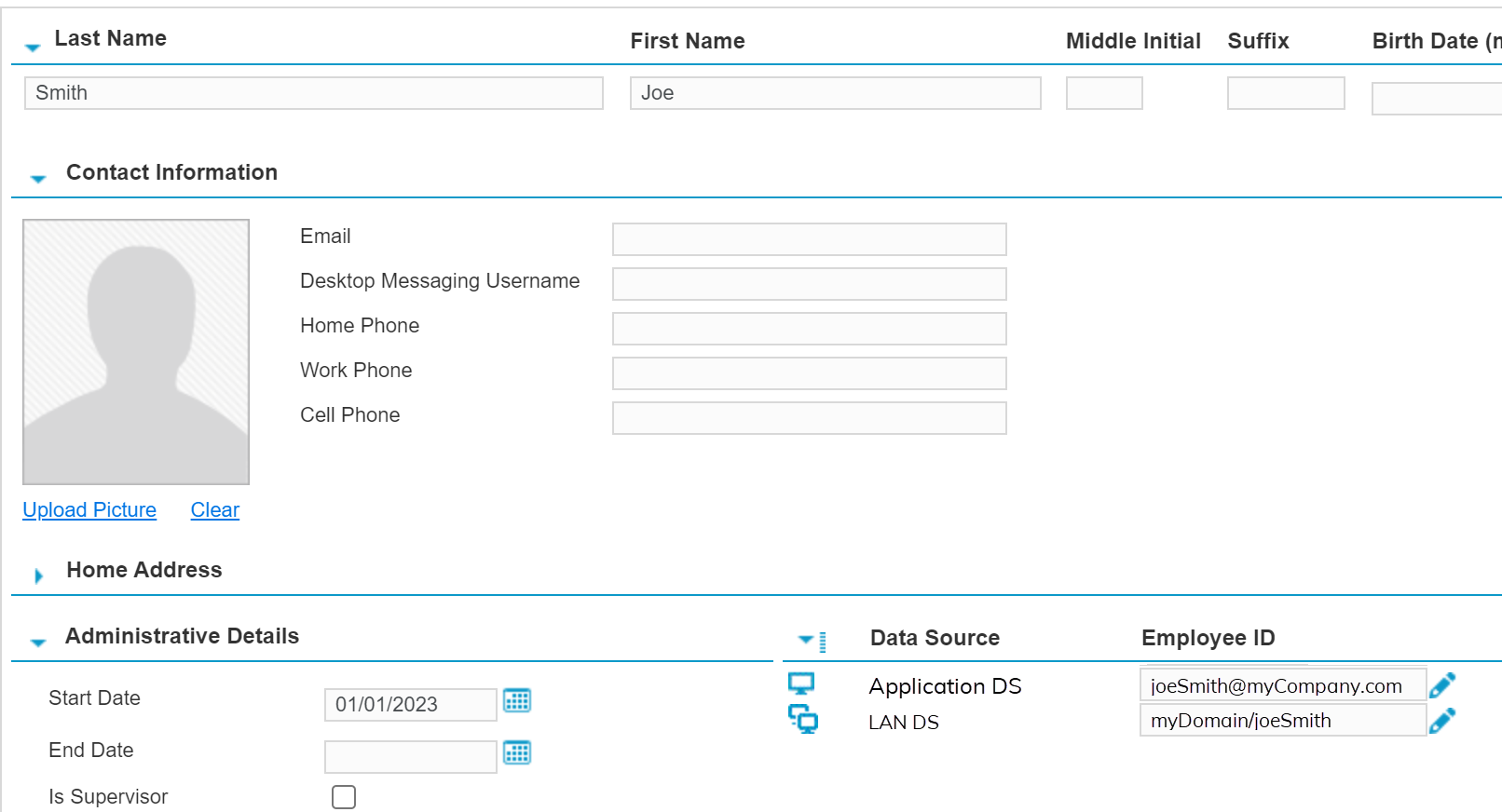
Create an employee, and complete the profile.
Required fields: Last Name and First Name.
-
Look under Administrative Details to see the available data sources.
-
Next to the Zoom Contact Center Data Source, in the Employee ID field, enter the user name that the agent uses to sign in to the Zoom Contact Center cloud platform.
-
Click Save.
What to do next
Workflow: Set up real-time audio capture
Set up workstations and workstation groups (Recorder Configuration and Administration Guide)
Create Employees and Add Employee IDs (Recorder Configuration and Administration Guide)