Get Webex authorization code for Cisco Webex Calling
The Webex authorization code is required to get the security tokens that the Verint Recorder uses to access the Cisco Webex Calling API.
Before you begin
Get the Client ID, Client Secret, and OAuth Authorization URL that were issued when Verint was registered as an authorized app.
Procedure
-
In the address bar of a web browser, paste the OAuth Authorization URL, and change "set_state_here" to "new".
-
In the Cisco Webex Developer Portal (developer.webex.com), sign in using administrator credentials for your Webex account.
-
In the OAuth2 Authorisation - Webex, select Accept.
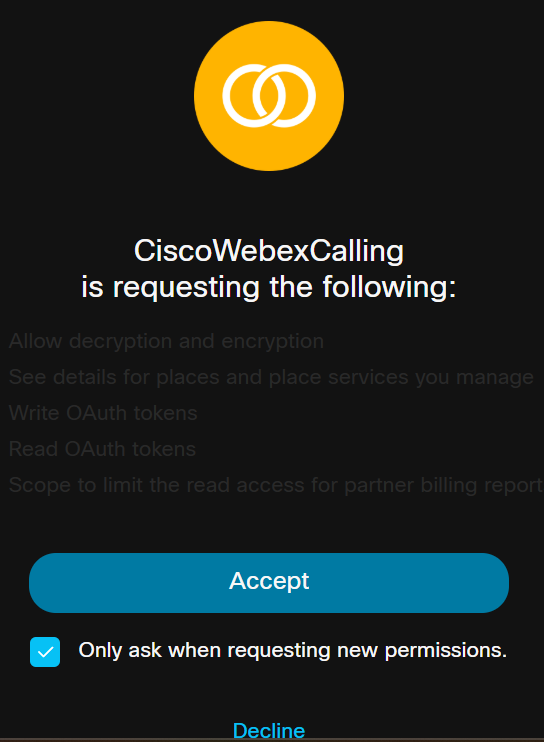
Two new tabs open in your web browser, one tab contains the redirect_URI and client ID, and the other tab contains the authorization code.
-
From the address bar, copy the authorization code.
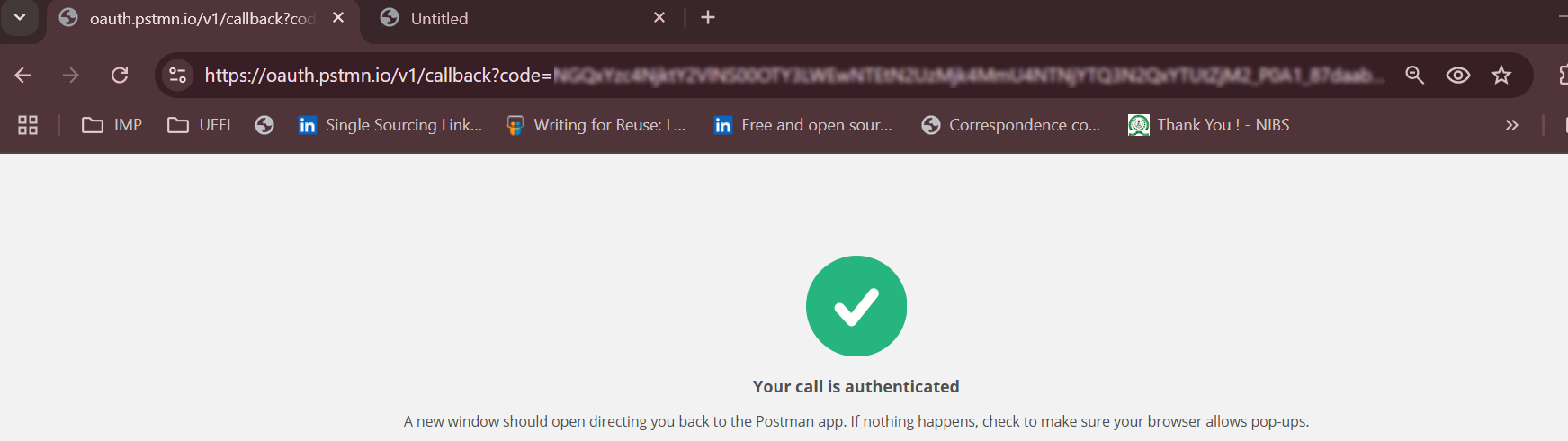
Example:
https://oauth.pstmn.io/v1/callback?code=XXXXXXXXXX00MDhlLWEyMGYtMTY5YTIwOTgwMDI2ZDcwZDMxMjctYmQx_P0A1_87daab13-8fc3-473a-913d-3f34b2ec1283&state=set_state_here
What to do next
Create Webex security tokens for Cisco Webex Calling