Install the Face to Face Interaction Recorder manually
Use the manual installation process to install on a single machine.
Before you begin
-
Download the latest Face-to-Face Voice Interaction Recording installation package.
-
To authenticate the desktop software with the central API, you must obtain an internal API key via Enterprise Manager. You will use this as the Data Center Token Authentication Key during installation. Take note of the Data Center Server Host Name, as you will need this as well.
"API Keys" in the Enterprise Manager online help
Procedure
-
Open a CMD window as an Administrator. Go to the directory containing the MSI. Type the following (where xxxx represents a specific version):
DesktopF2FRecorder-15.2.0.xxxx.msi
-
Press Enter to run the MSI.
-
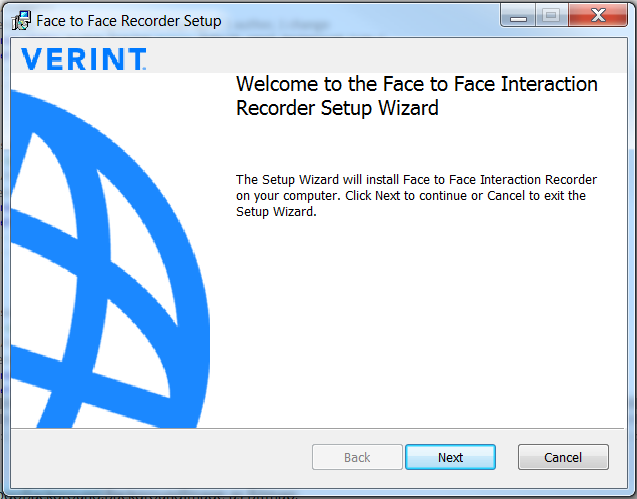
On the Setup Wizard screen, click Next.
-
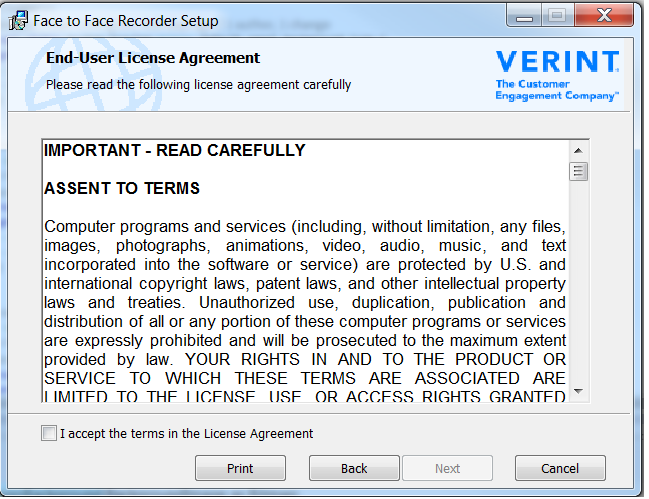
Read the End-User License Agreement. To accept the terms, select the check box. Click Next.
-
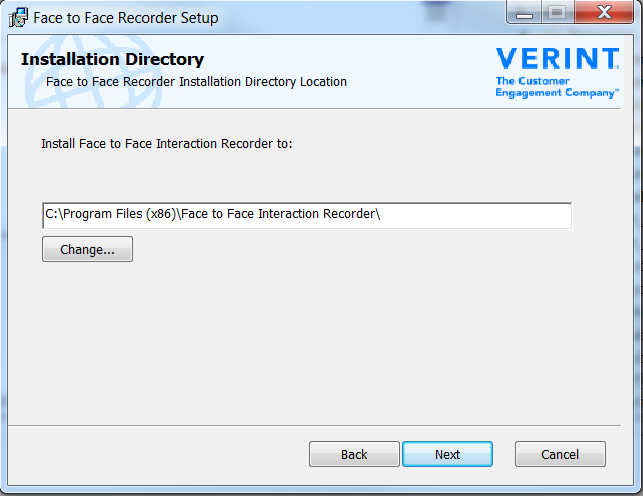
To accept the default install location (or Change to modify it), on the Installation Directory screen, click Next.
-
On the Media Storage Directory screen, click Next to accept the default install location (or Change to modify it). This folder contains all application-generated media files. During installation, specify a Media Storage Directory in which to store all application-generated media files. Exclude this folder from any processes run by antivirus software.
-
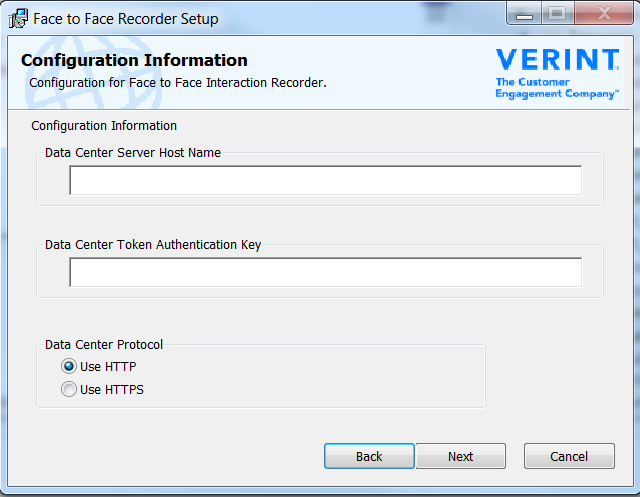
On the Configuration Information screen:
-
Enter the Data Center Server Host Name, and enter the API key in the Data Center Token Authentication Key field.
-
Specify whether you want to use Hypertext Transfer Protocol (HTTP) or Secure HTTP (HTTPS) to transmit data between the desktop and the data center. Click Next.
-
Click Install to begin the installation.
-
When the installation is complete, click Finish.
A shortcut for the application is added to the desktop.
Install the Face to Face Interaction Recorder using silent distribution