Add Employees to the MS Teams Application data source
To identify whose interactions you want to record, add Microsoft Teams users to your system as Employees and associate them with the Microsoft Teams Application data source.
Procedure
-
Click User Management.
-
Under Employees, click Profiles.
-
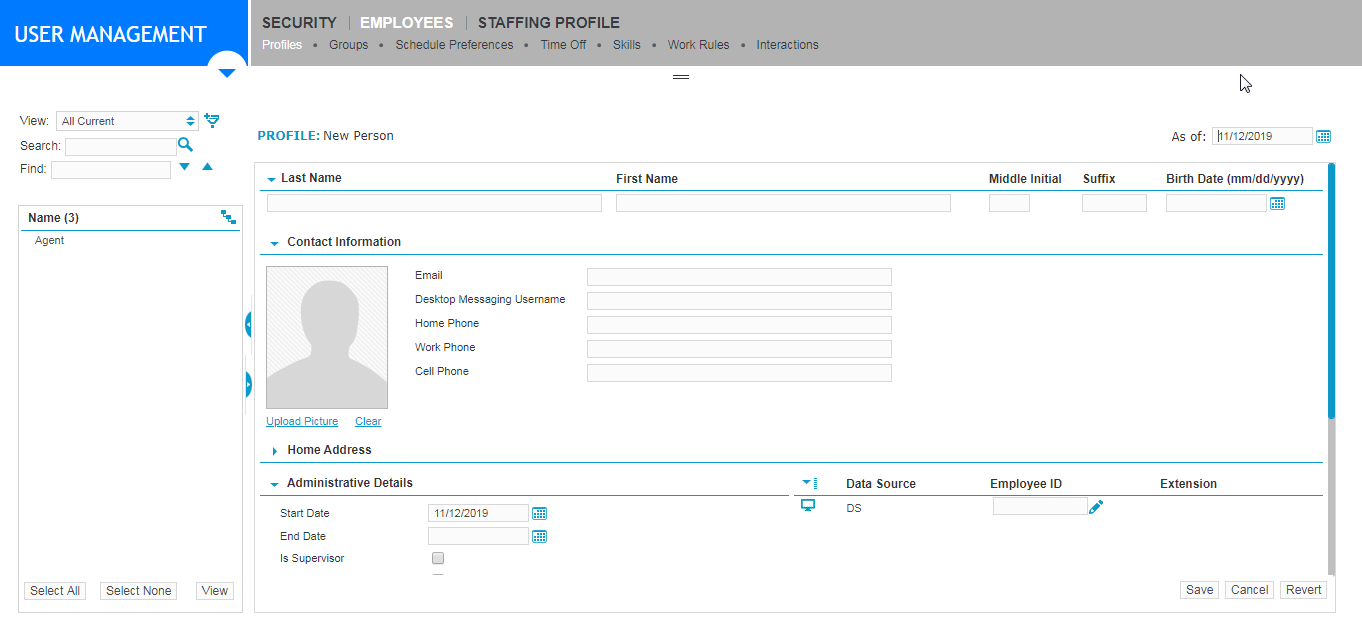
Click Create.
-
Beside the data source for Microsoft Teams, enter the Employee ID. The Employee ID must be the “User Principle Name (UPN)”.
-
Click Save.
-
Repeat this procedure for each employee you want to record.
Create Employees and Add Employee IDs (Recorder Configuration and Administration Guide)
What to do next