Assign a DNS name to application gateway
You need to configure a DNS name for the Public IP in the Azure Application Gateway definition.
Procedure
-
From the Azure Home page, select Application gateways.
-
Select the gateway you created previously, then select Overview.
-
Select Frontend public IP address.
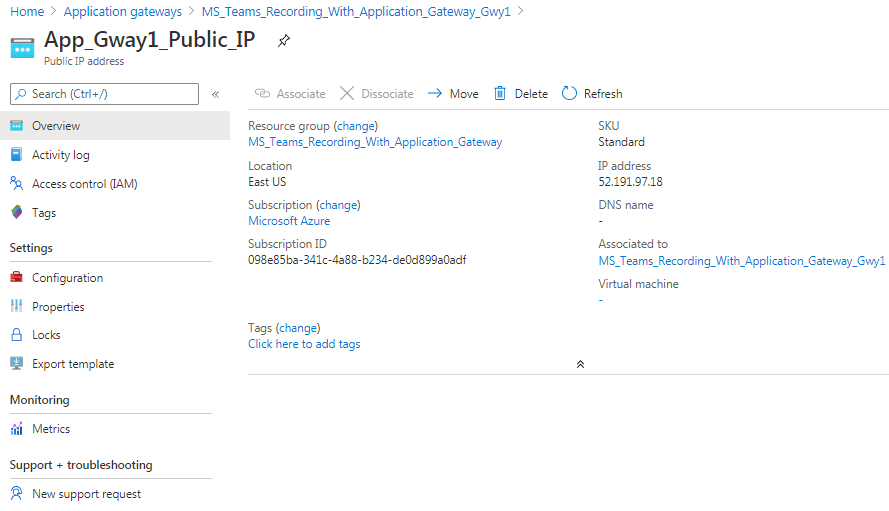
-
Select Configuration.
-
Enter a value for the DNS name label (optional), and select Save.
What to do next