Start a new a full-text search
You can search for interactions that include specific terms or phrases, and use operators to help you optimize your search.
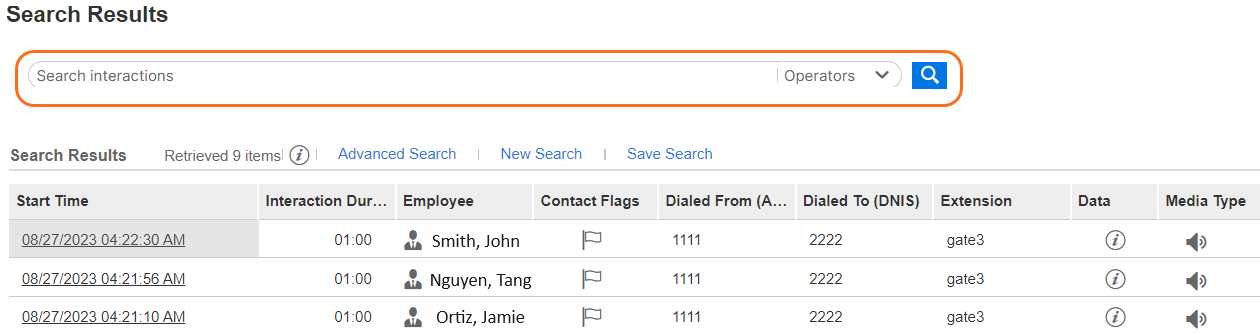
If your previous search included a full-text search, the terms or phrases used in that search are displayed in the Search field above the search results. You can add or delete terms or phrases and perform a new full-text search while using your previously selected search criteria.
Before you begin
-
Verify that in the User Management application you have the privilege to perform full-text searches.
-
Verify that you are familiar with the list of operators and valid characters detailed in Text.
Procedure
-
From the Search Results, in the Search field, add or delete any terms or phrases.
-
To optimize your search, select the appropriate operator(s) from the Operator drop-down.
-
Click New Search.