View recent search results
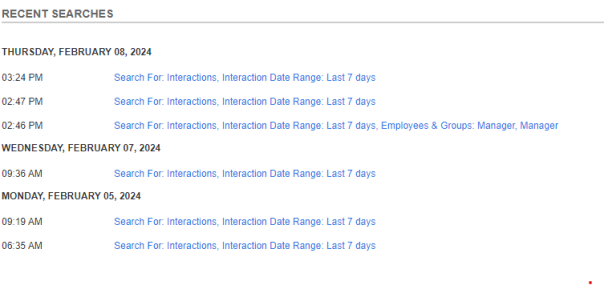
You can view the last 10 searches you performed in the system (quick or advanced). You can perform a search you recently performed without having to add the criteria again.
Procedure
-
In the Search workspace, go to Recent Searches.
-
Click any one of the searches displayed.
To view the recent search criteria, point to the information icon
 .
.