Add Twilio agents to the system
Add the Twilio agents to record as users in the Verint system and associate them to the Twilio data source.
The Service Provider sets up the data source.
Before you begin
-
From Twilio get a list of the agents to record with their Worker IDs.
Procedure
-
Go to User Management. Under Employees, select Profiles.
-
Follow the procedure "Configuring employee profiles" in the WFO User Management Guide to add an agent as an Employee.
-
In the Employee profile, enter the Twilio agent name (Worker ID) in the Agent ID field next to the Twilio data source you created.
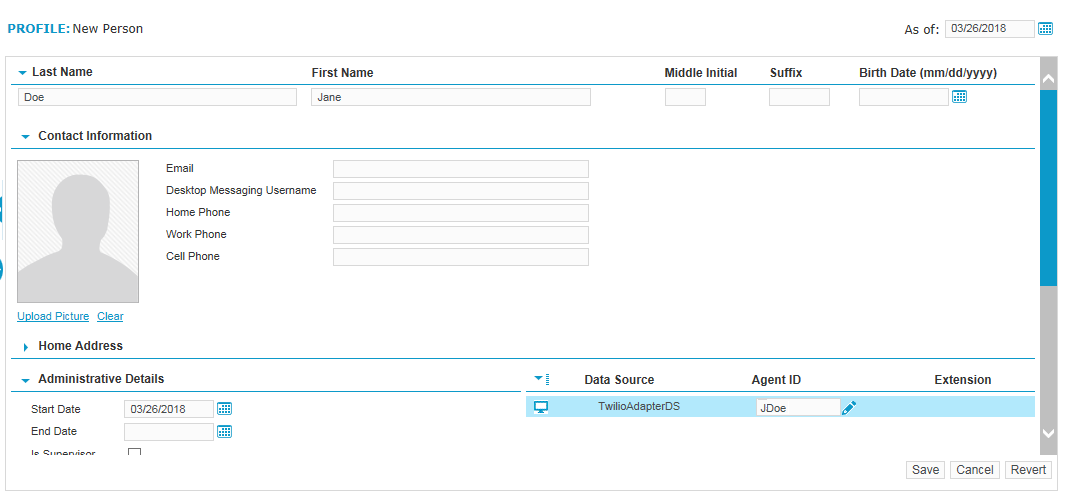
-
For screen recording, next to the LAN data source that you created previously for Twilio, enter the Windows login as the Employee ID.
-
Click Save.
-
Repeat for each Twilio agent whose recording interactions you want to capture.
What to do next