Disable or enable an API key
An API key must be enabled for components to use it for authentication. To prevent components from using a key for authentication, you can disable it.
When you disable a key that is in use, it is deactivated and immediately stops working. Any API calls sent to the disabled key fail with a 401 Unauthorized error.
You can enable an unexpired key that was previously disabled.
Before you begin
Procedure
-
From the API Keys page, select the key you want to disable or enable.
-
Under Actions, click the Edit icon
 .
.
-
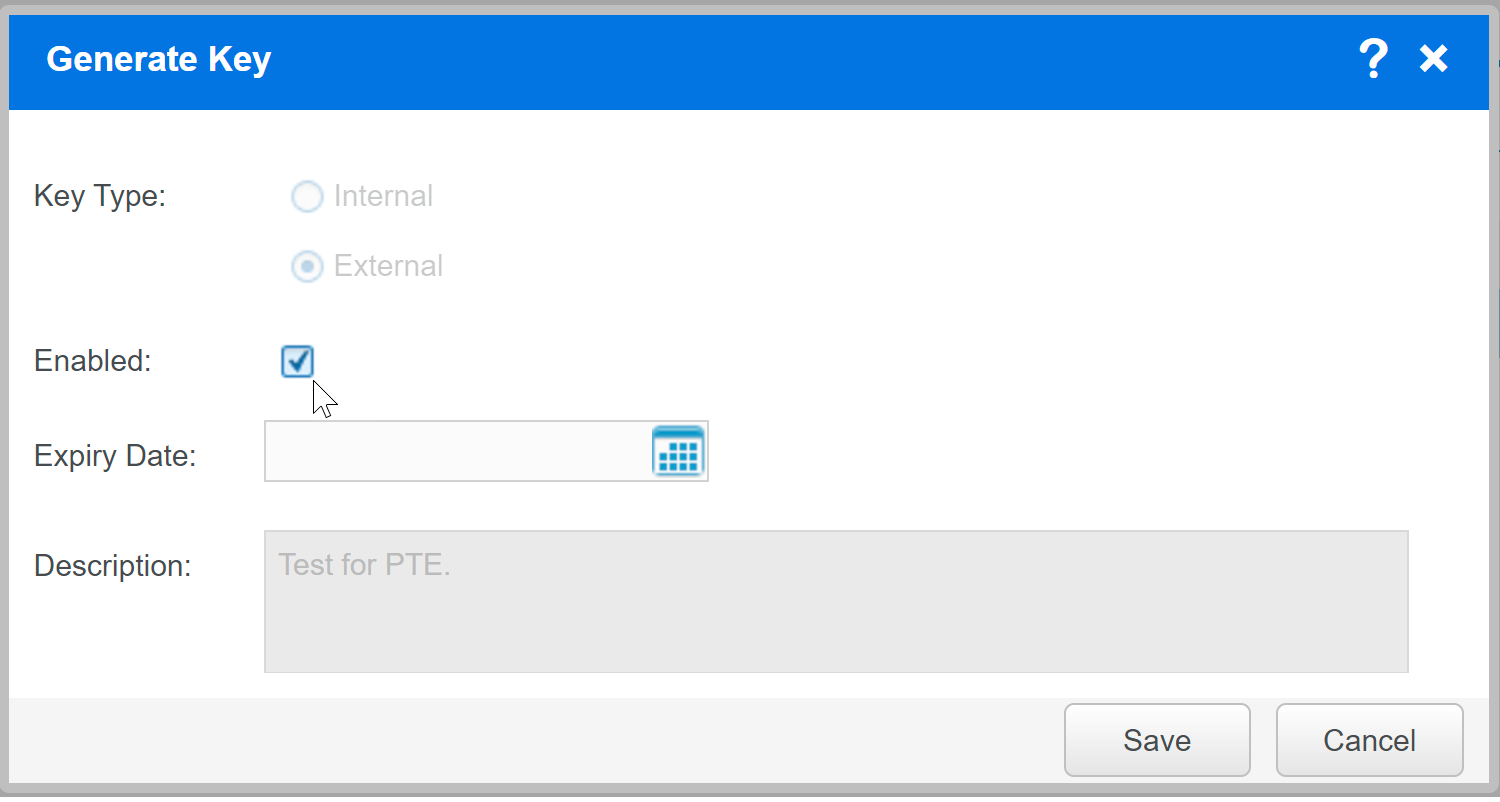
In the Generate key dialog box:
-
To disable the key, clear the Enabled option.
-
To enable the key, select the Enabled option.
-
-
If prompted, confirm the action.
-
Select Save.
-
Verify that the key state has changed in the API keys list.