Survey Languages: settings page description
Use this page to define and edit a default or custom survey languages.
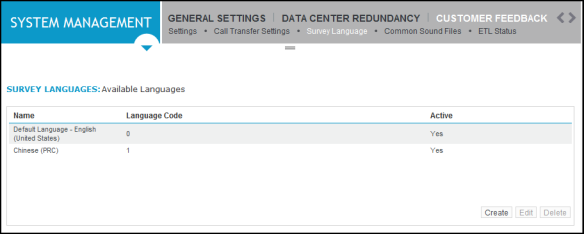
Survey Language settings
|
Field |
Description |
|---|---|
|
Active Status |
Use this check box to change the status of a custom language.
Restrictions based on the status of the Survey Language:
|
|
Language |
List of supported languages. Custom languages: After a custom language has been created, the language cannot be changed. |
|
Language Code |
Unique code that identifies the survey language. This code is used when the call is transferred to the survey server (not applicable to web surveys). The Language Code can be one or two alphanumeric characters. The code “00” is not the same as “0”. Alphabetic characters can be used for IP telephone systems. |