Search and replay interactions
You can find details about a conversation, review the messages, and analyze conversations using Risk Management and Interactions.
Before you begin
Limitations - Genesys Cloud CX Text capture
Procedure
-
Click either Interactions > Search or Risk Management > Analyze > Search.
-
Enter your search criteria and click the magnifying glass.
The Search Results pane lists all related interactions.
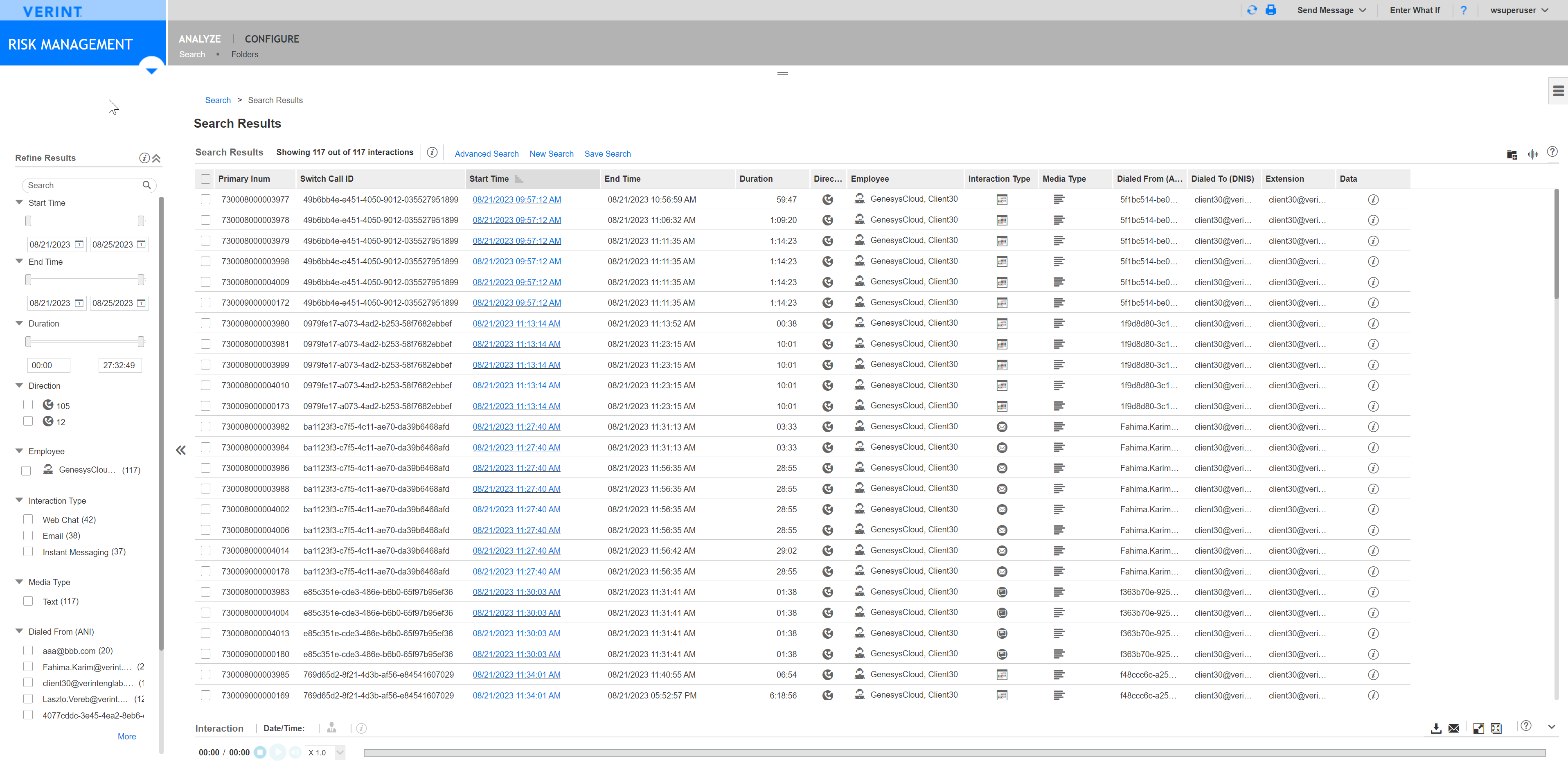
The following screenshot shows the search results in Risk Management for interactions captured from the following digital channels: web messenger, email, and instant messaging apps.
-
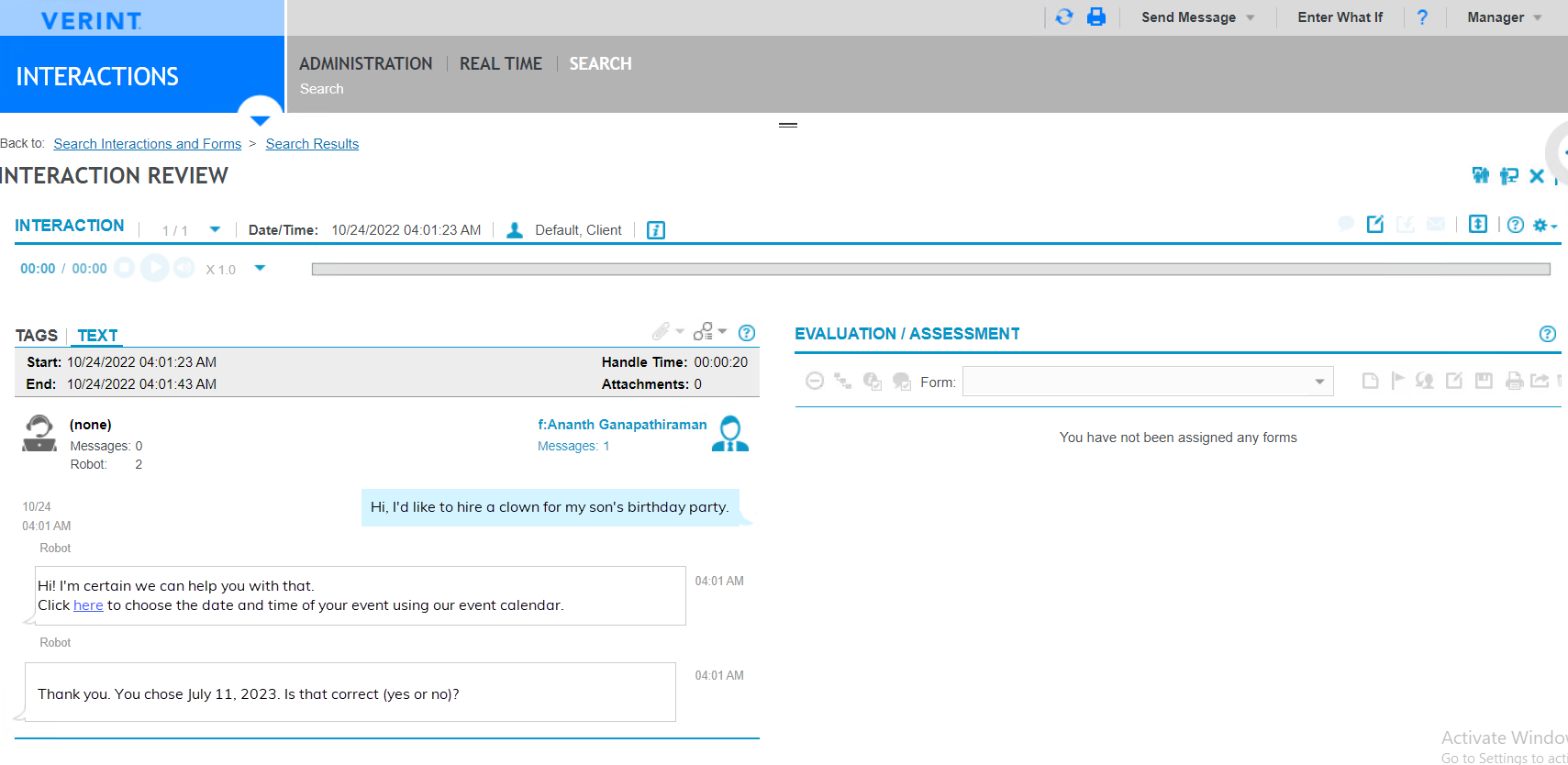
To view the interaction, under Search Results, double-click any entry.
The corresponding file opens in the Interaction Review pane.
Available interaction types for voice using AudioHook
Available interaction types for text capture from Genesys Cloud CX
Risk Management Administration and User Guide