Configure the VM network interface
Add port forwarding rules in Azure.
Before you begin
-
Minimum Azure role required: Network Contributor
Procedure
-
Open the Azure management portal at https://portal.azure.com.
-
Go to Home.
-
Select the Virtual Machine you created previously.
-
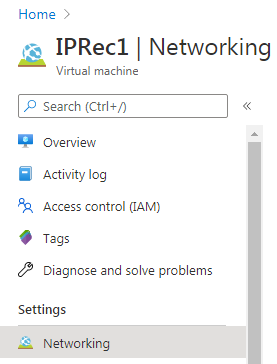
Under Settings, select Networking.
-
Select the Outbound port rules tab, and then add the required outbound ports as rules. For the list of required ports, see Related Topics below.
-
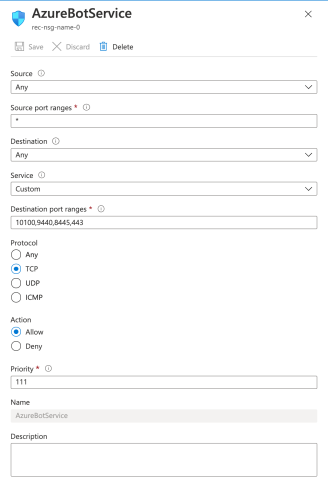
On the Inbound port rules tab, select Add inbound port rule, add the required inbound ports as rules. For the list of required ports, see Related Topics below.
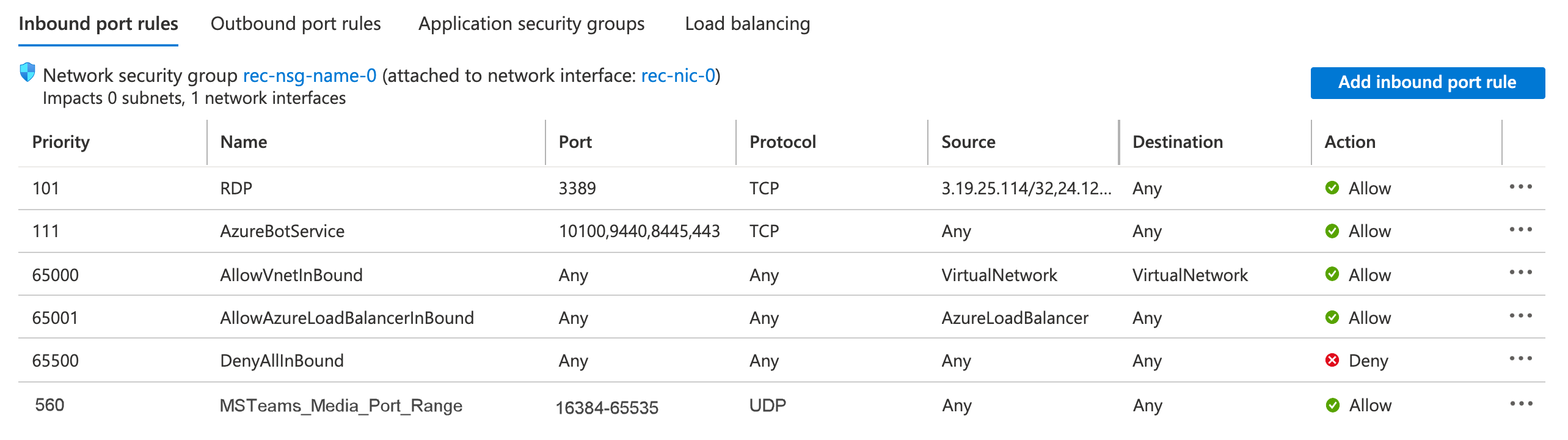
When you are finished, the inbound rules page lists all ports.
What to do next