Associate a server role with a Recorder
Procedure
-
In Enterprise Manager, click System Management > Settings.
-
Select a Recorder from the left-hand pane.
-
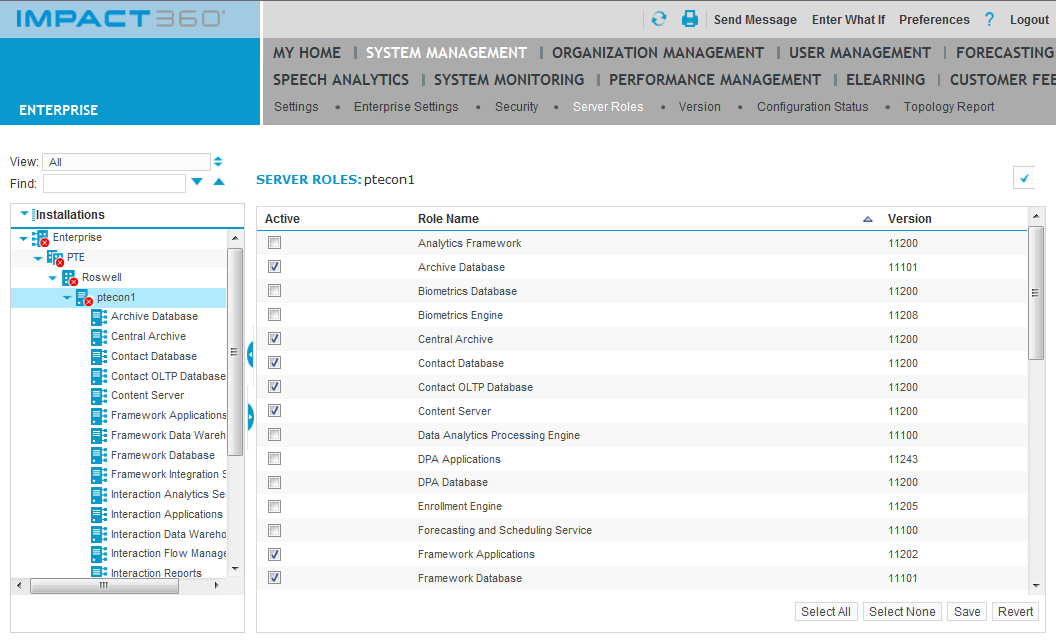
Click Server Roles.
-
Select the check box beside the name of the appropriate recording-related role (IP Recorder, TDM Recorder, or Screen Recorder). To allow a Recorder to be controlled by a CTI adapter, associate it with an Integration Service role.
-
Click Save.
-
Restart the Recorder:
-
Select the Recorder, then click Settings.
-
Click Launch to start Recorder Manager.
-
In Recorder Manager, click Operations > Start and Stop.
-
Click Reboot.
-
Associate a Recorder with the Integration Service