My Performance: View Assessments in KPI View
Use the Assessments  control in KPI View on the Performance page to view your assessments. When the KPI has one or more associated assessments, a number (1+) is displayed on the Assessments icon.
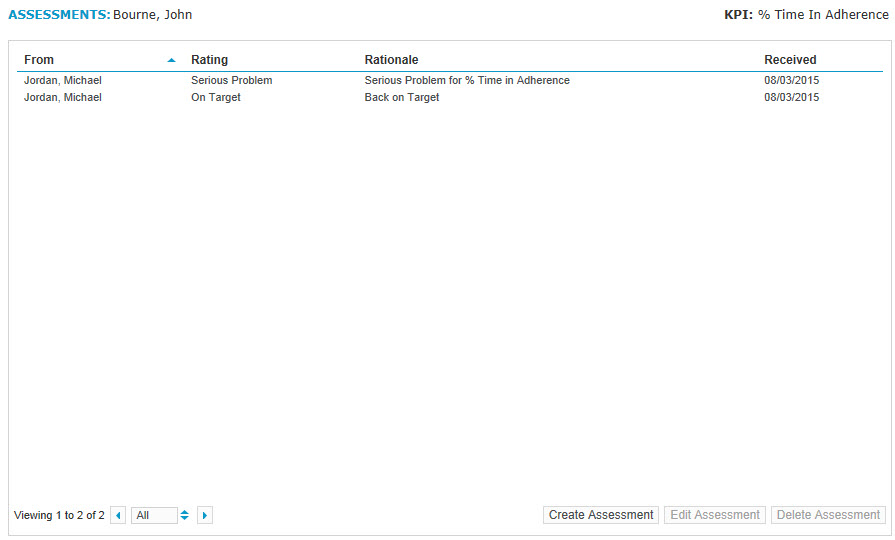
When you click the Assessments control, the Assessments pop-up window appears.
My Performance: KPI View controls
My Performance: Create Assessment