Create a Twilio Media Adapter
The Twilio Media Adapter connects to Twilio Flex and obtains notifications about real-time audio streams. The Adapter runs on the same server as the Recorder Adapter Proxy Service (RAPS).
Before you begin
Create the Twilio Event Stream adapter
Procedure
-
In Recorder Manager, go to General Setup. Under Integration Service, click Settings.
-
Click Create, then select Twilio Media Adapter.
-
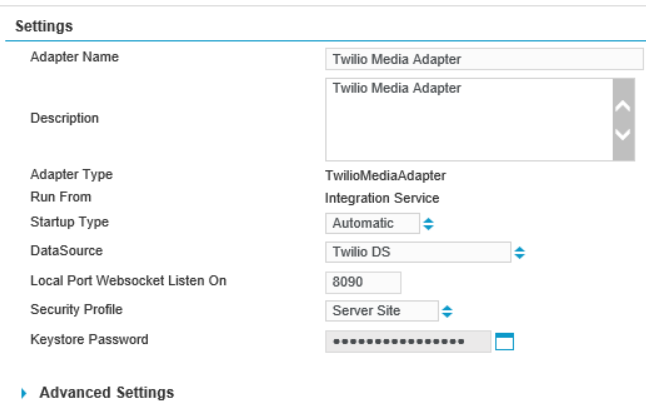
Complete the settings.
-
Click Save.
What to do next
Complete the Settings for the Twilio Media Adapter