Create the Zoom Meetings data source
The Application data source for Zoom Meetings contains the parameters necessary to connect to the Zoom Meetings platform.
The Service Provider is responsible for this task.
Create a data source for a specific tenant, and associate the data source with the required services. For each additional tenant, create a separate data source
Before you begin
-
If not already done, create an organization for the cloud tenant. Organizations are created under Organization Management.
Procedure
Procedure
-
In Enterprise Manager, go to Recording Management, under Data Source, click Capture Endpoints.
-
If a Zoom Meetings exists, select it, and then go to step 4.
-
To create a new data source, click Create Data Source, and select Zoom Meetings.
-
Complete the settings.
-
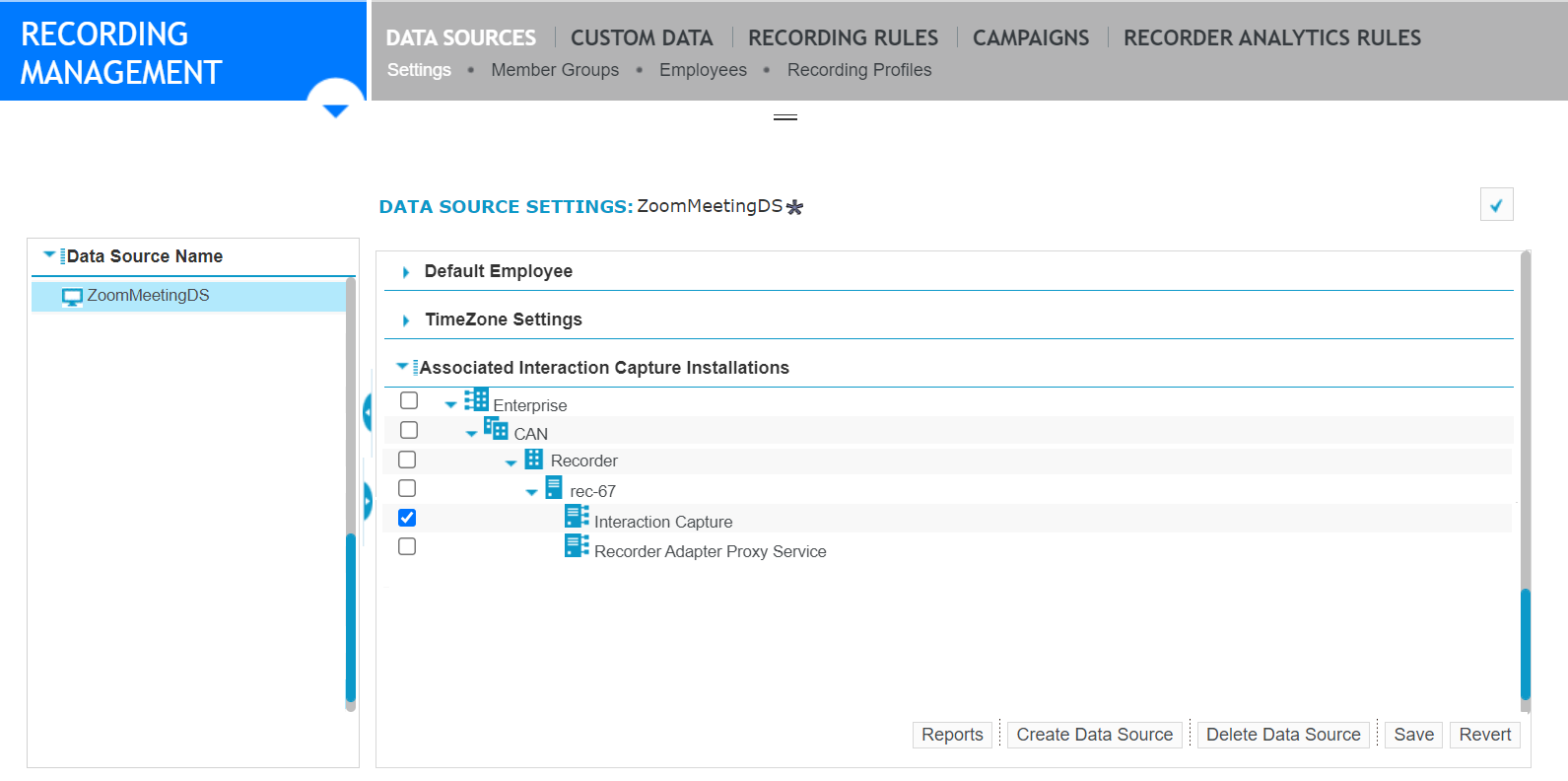
Under Associated Interaction Capture Installations, select the Interaction Capture server role for the primary Recorder.
-
Click Save.
What to do next